Samuel Barclay Final Creative Artifact
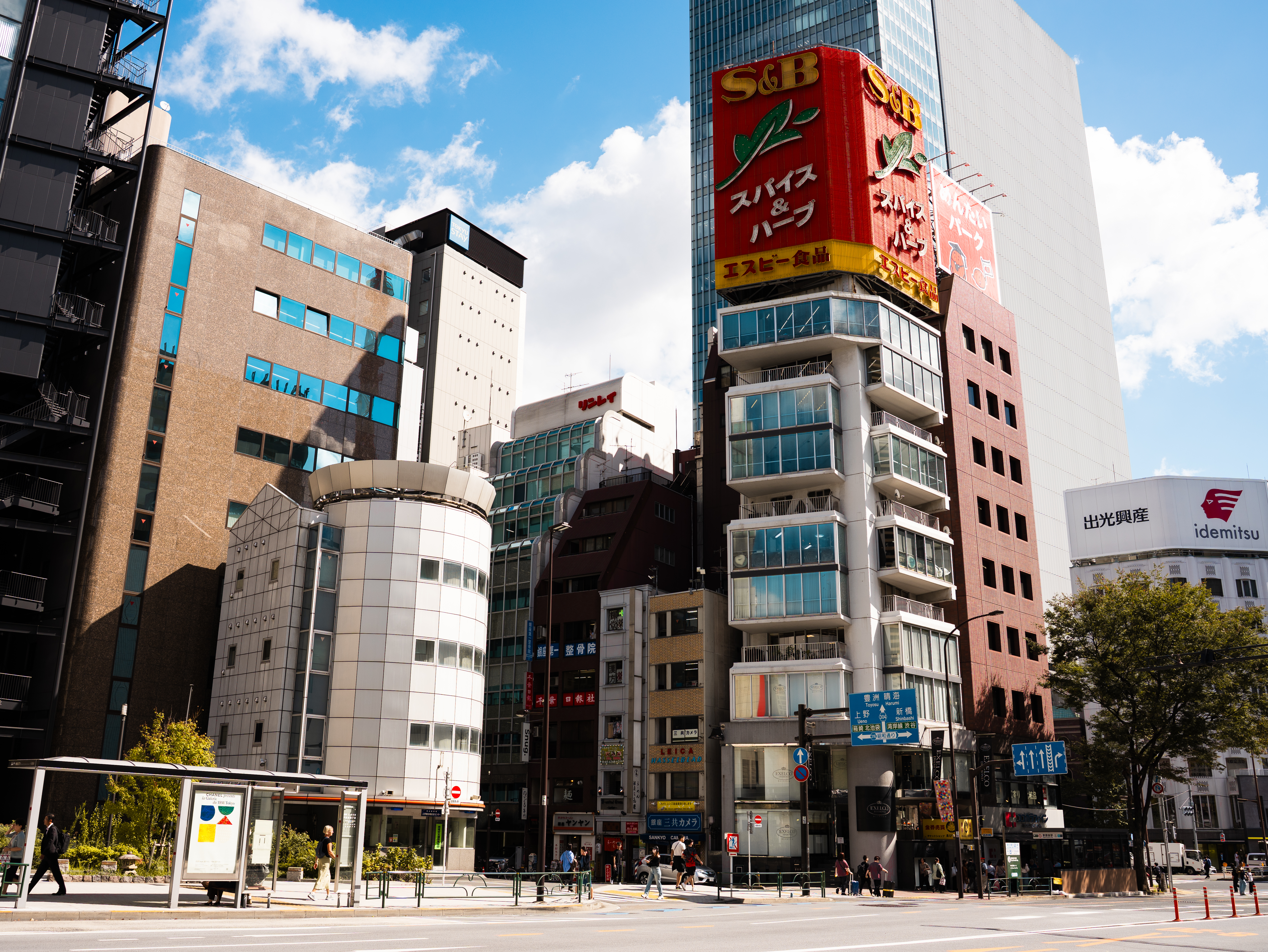
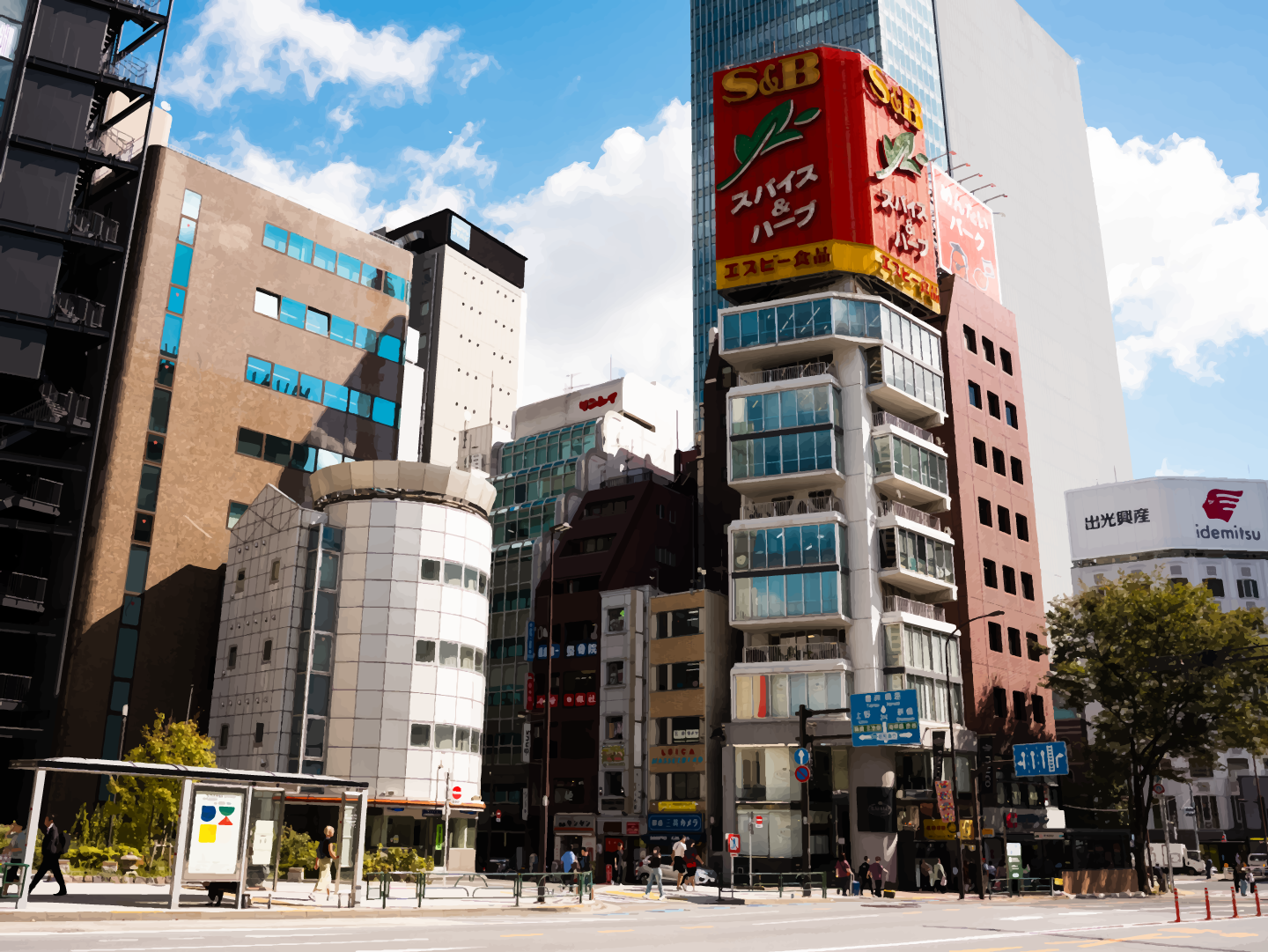
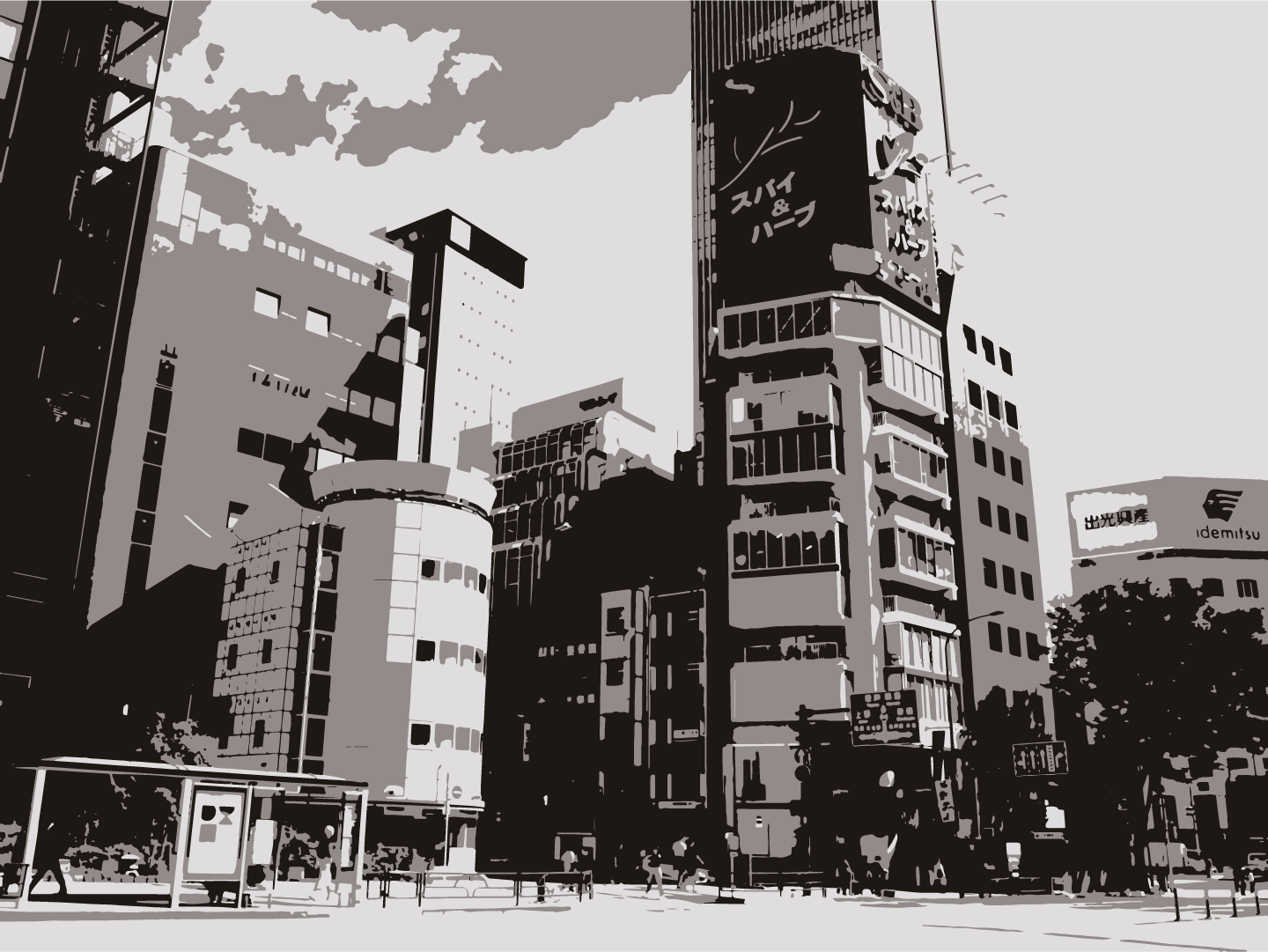
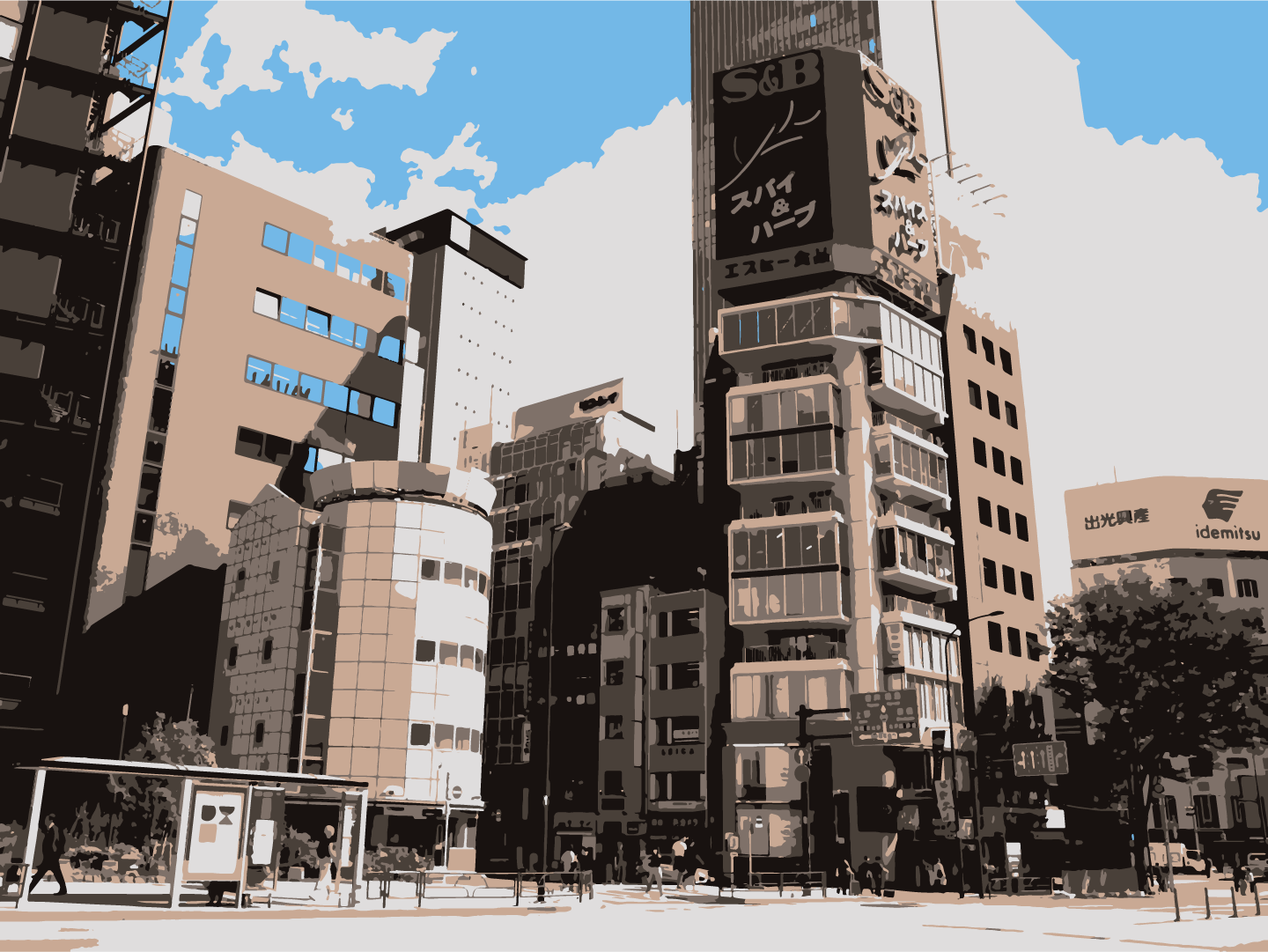
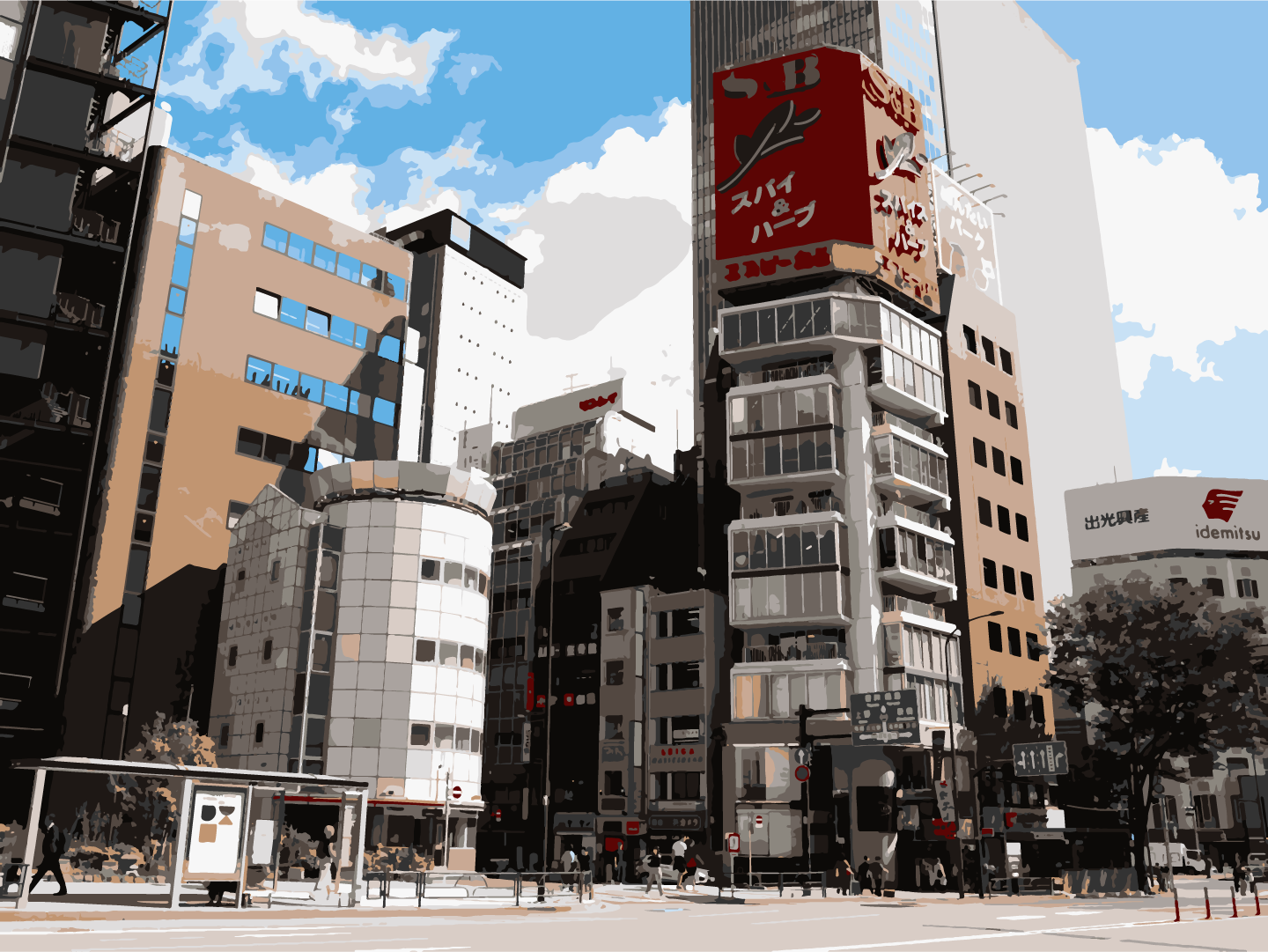
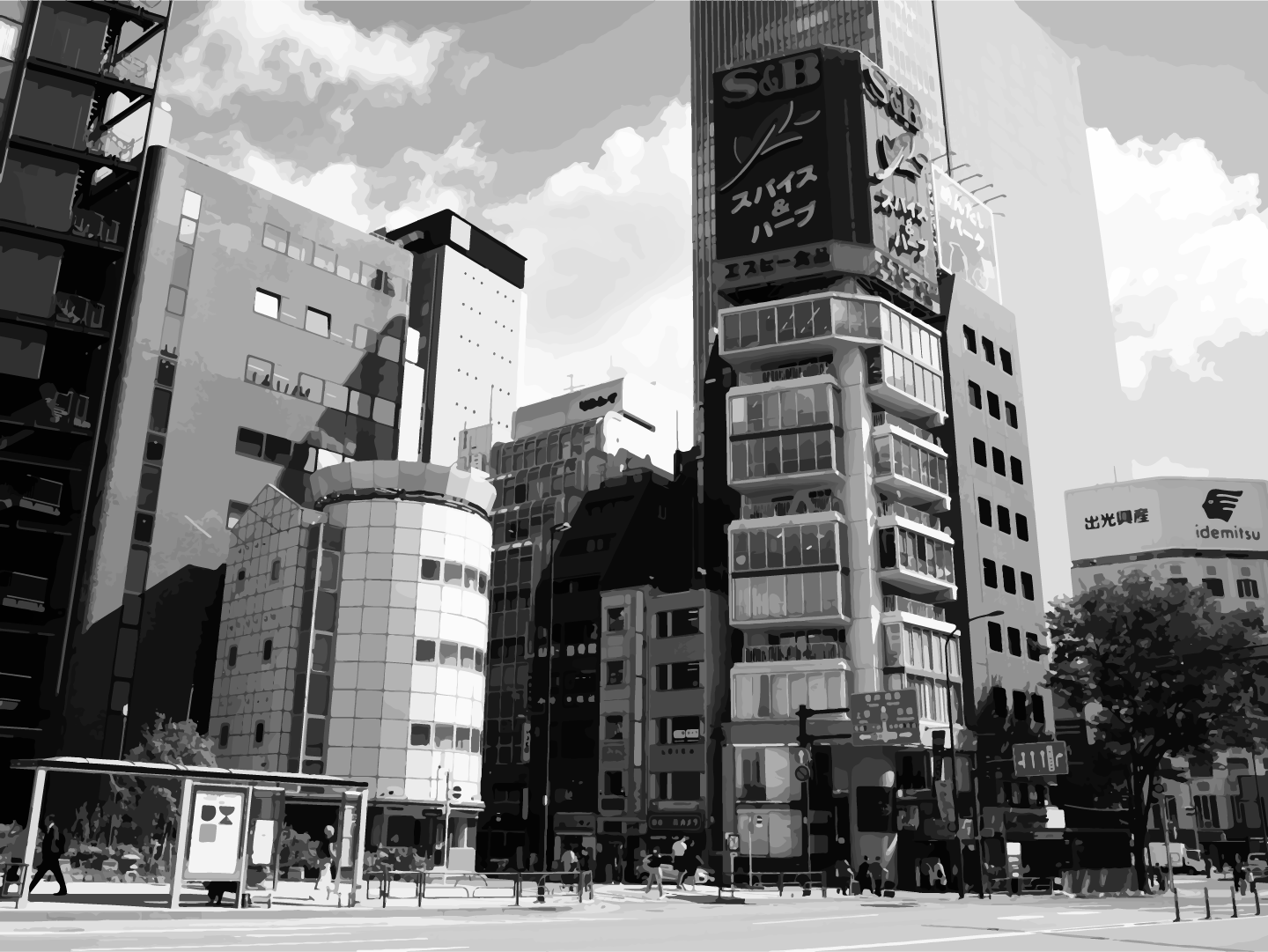
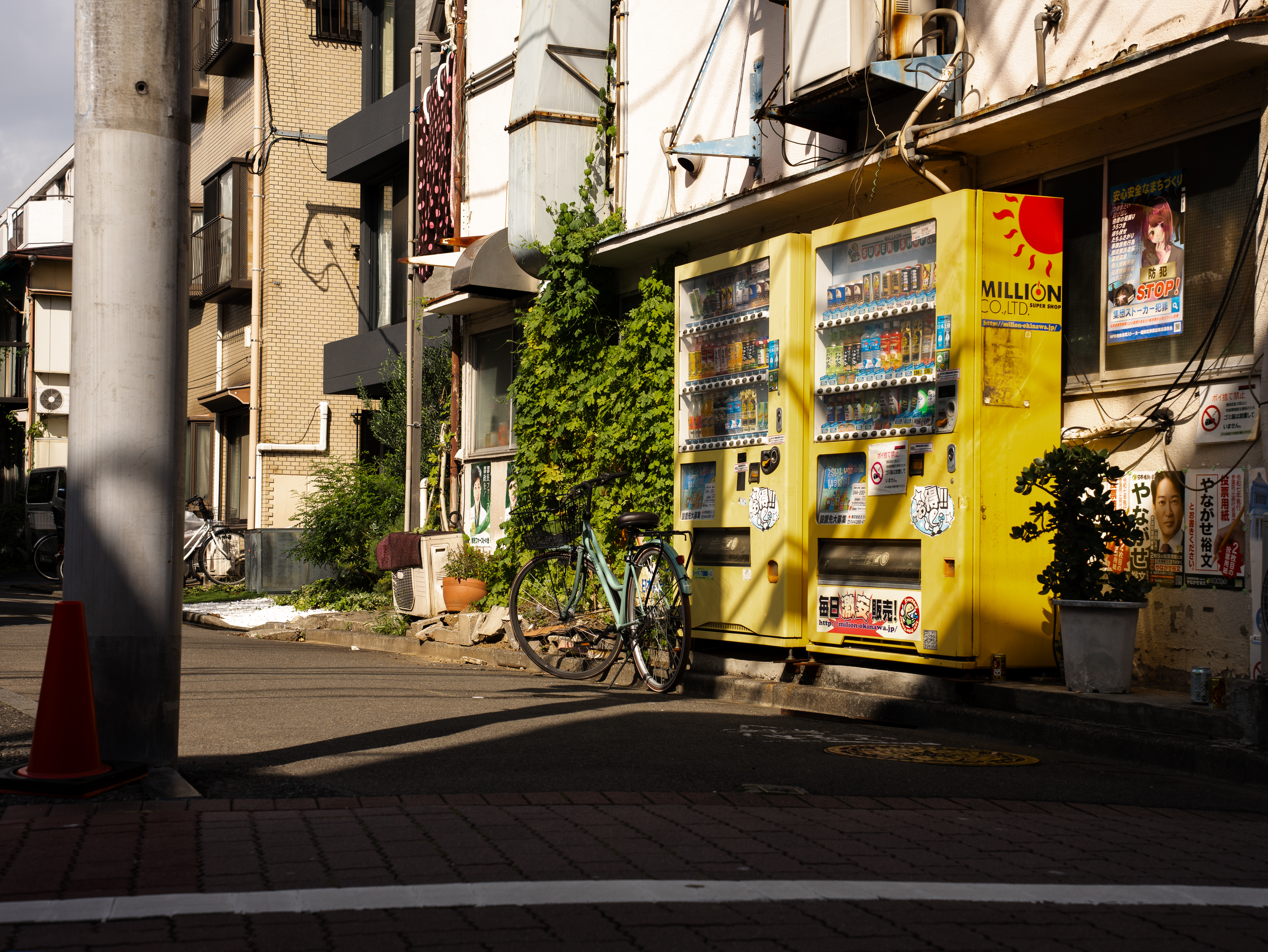
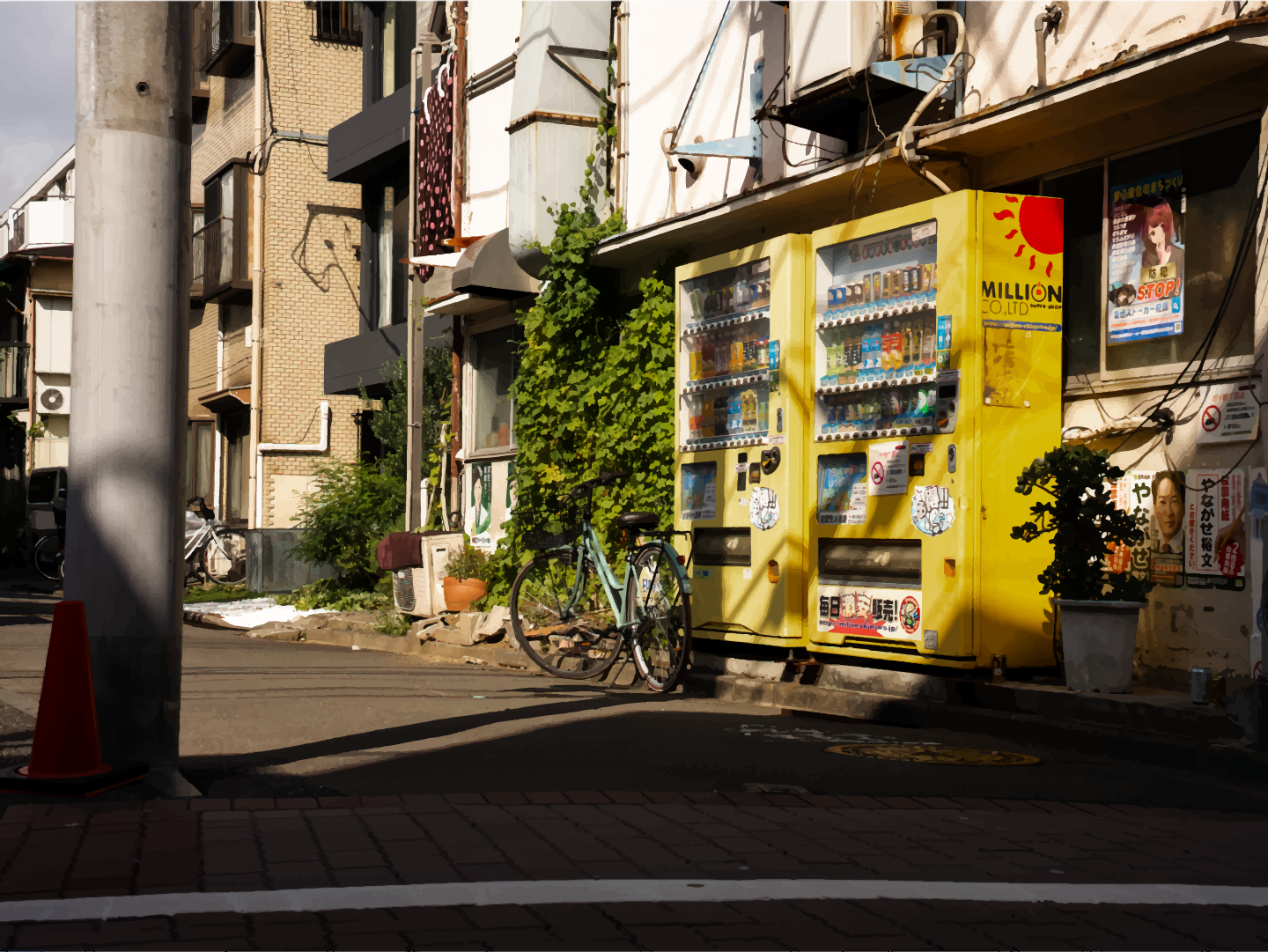
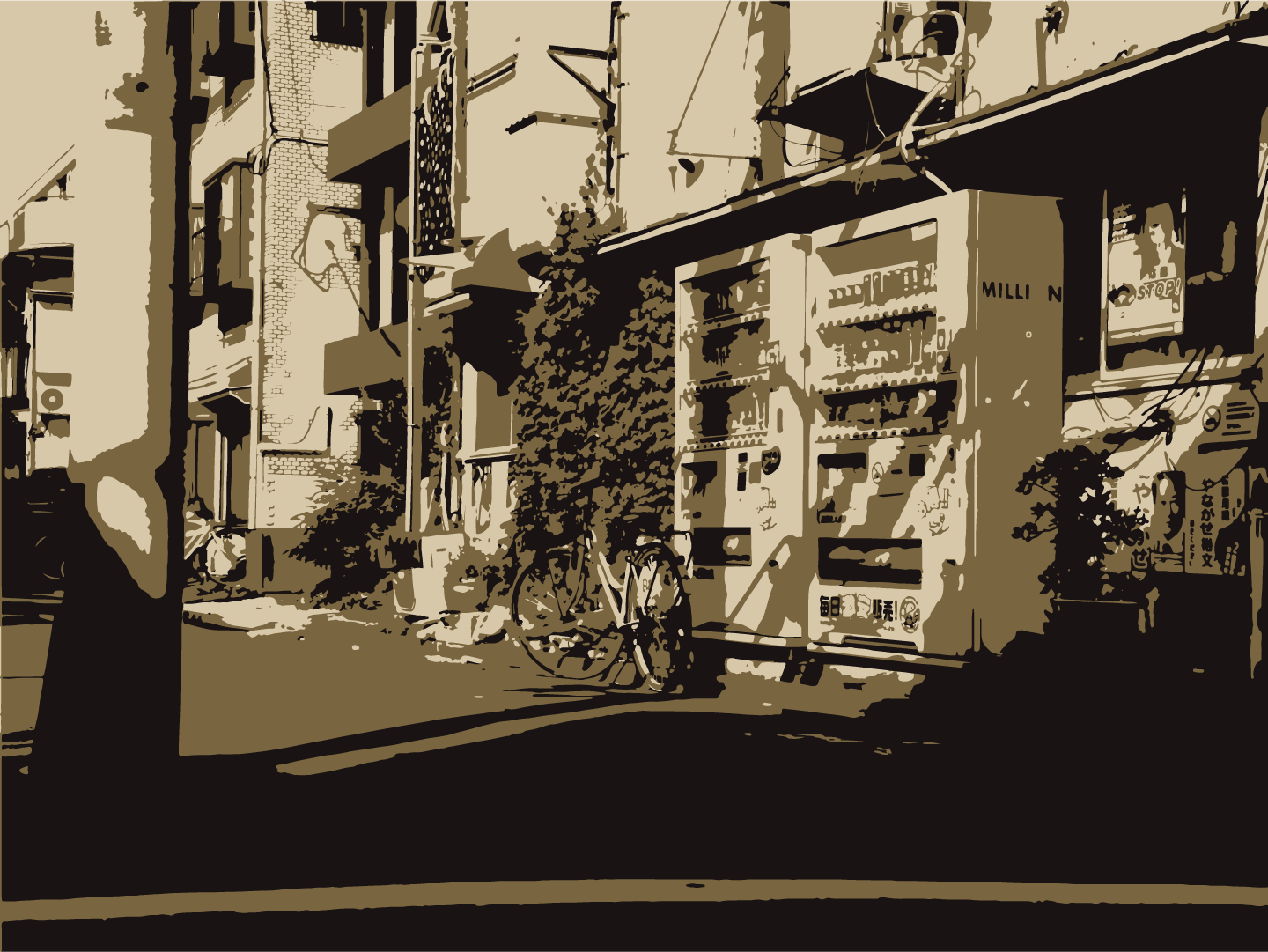
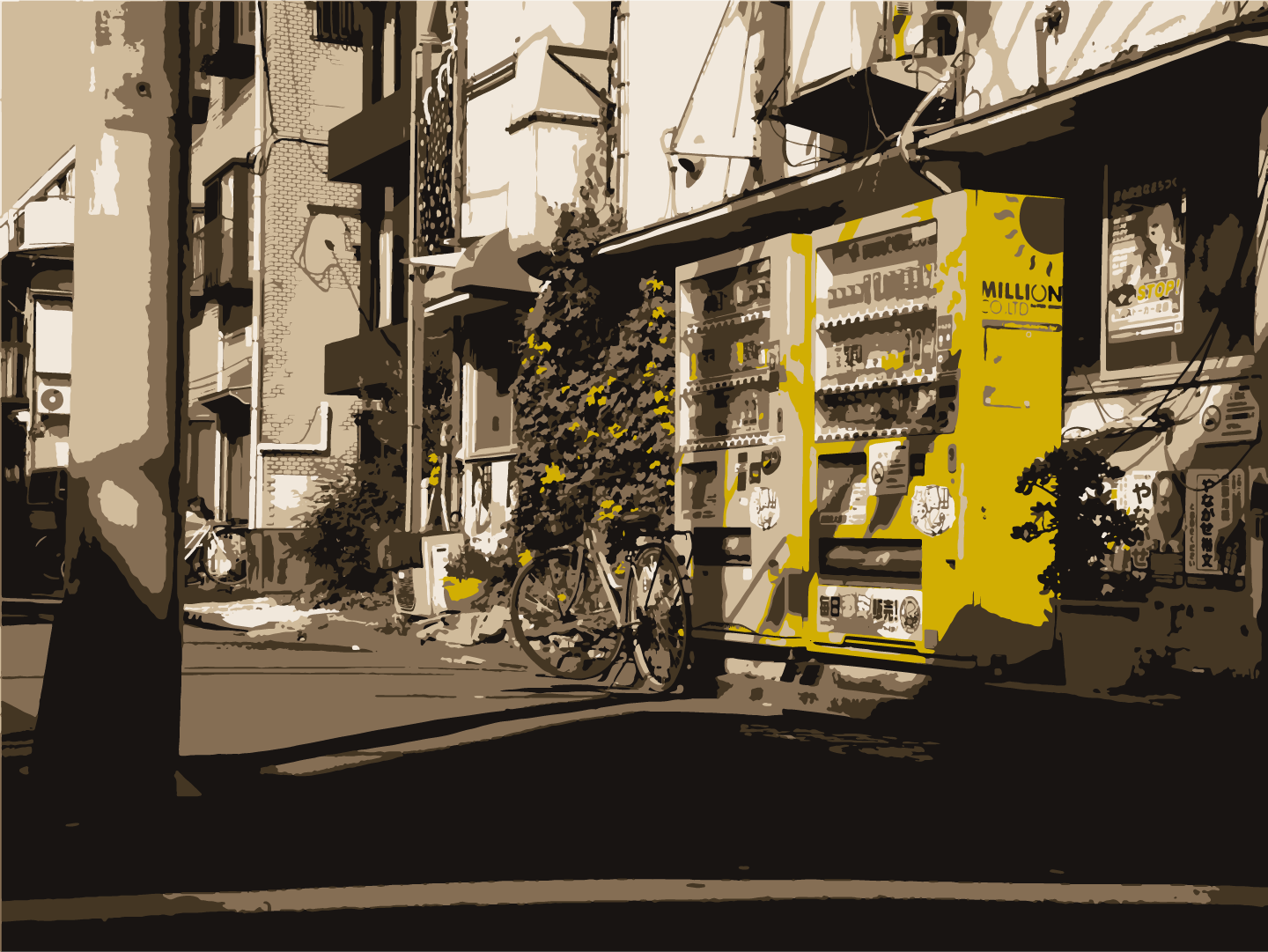
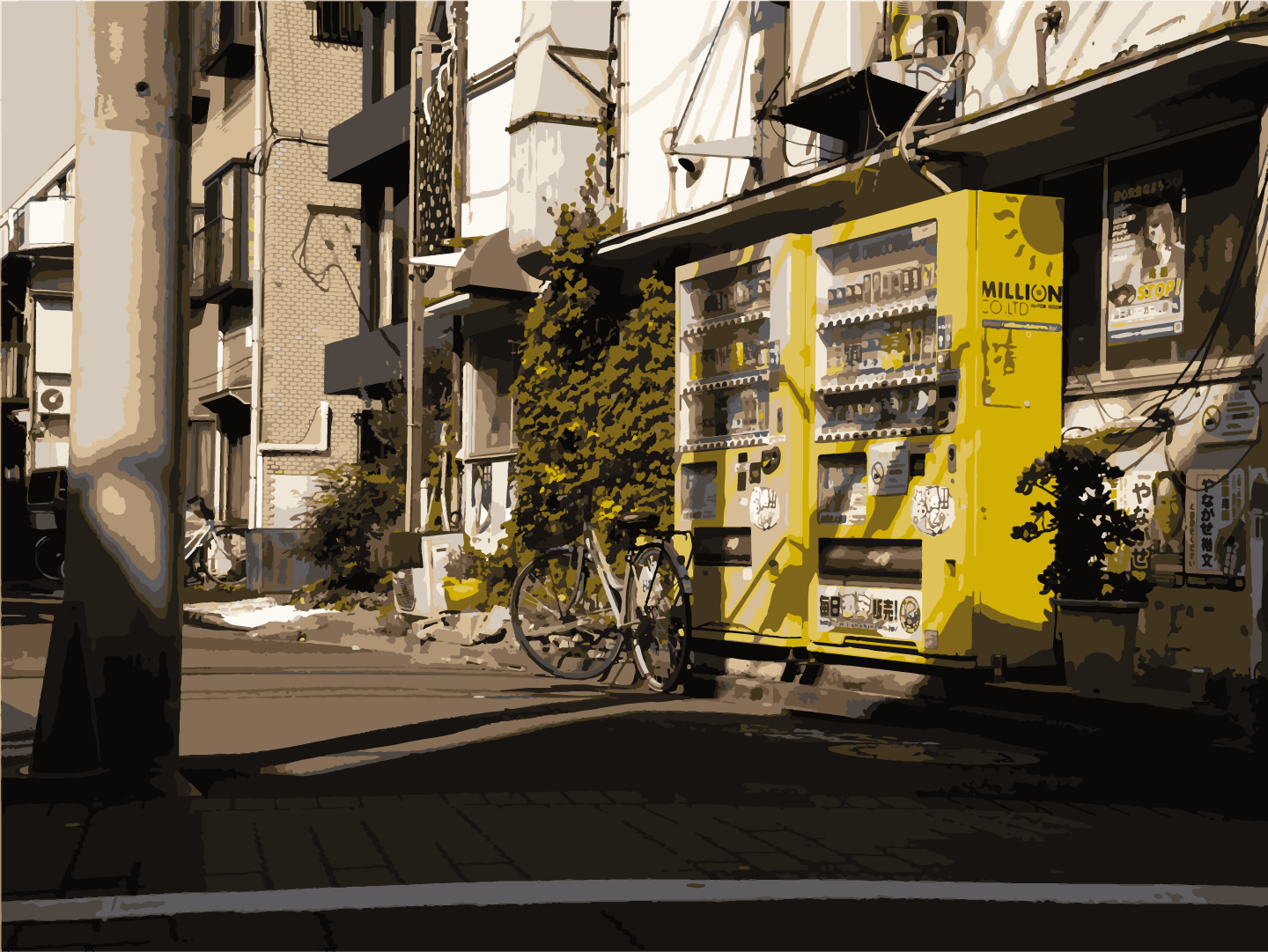
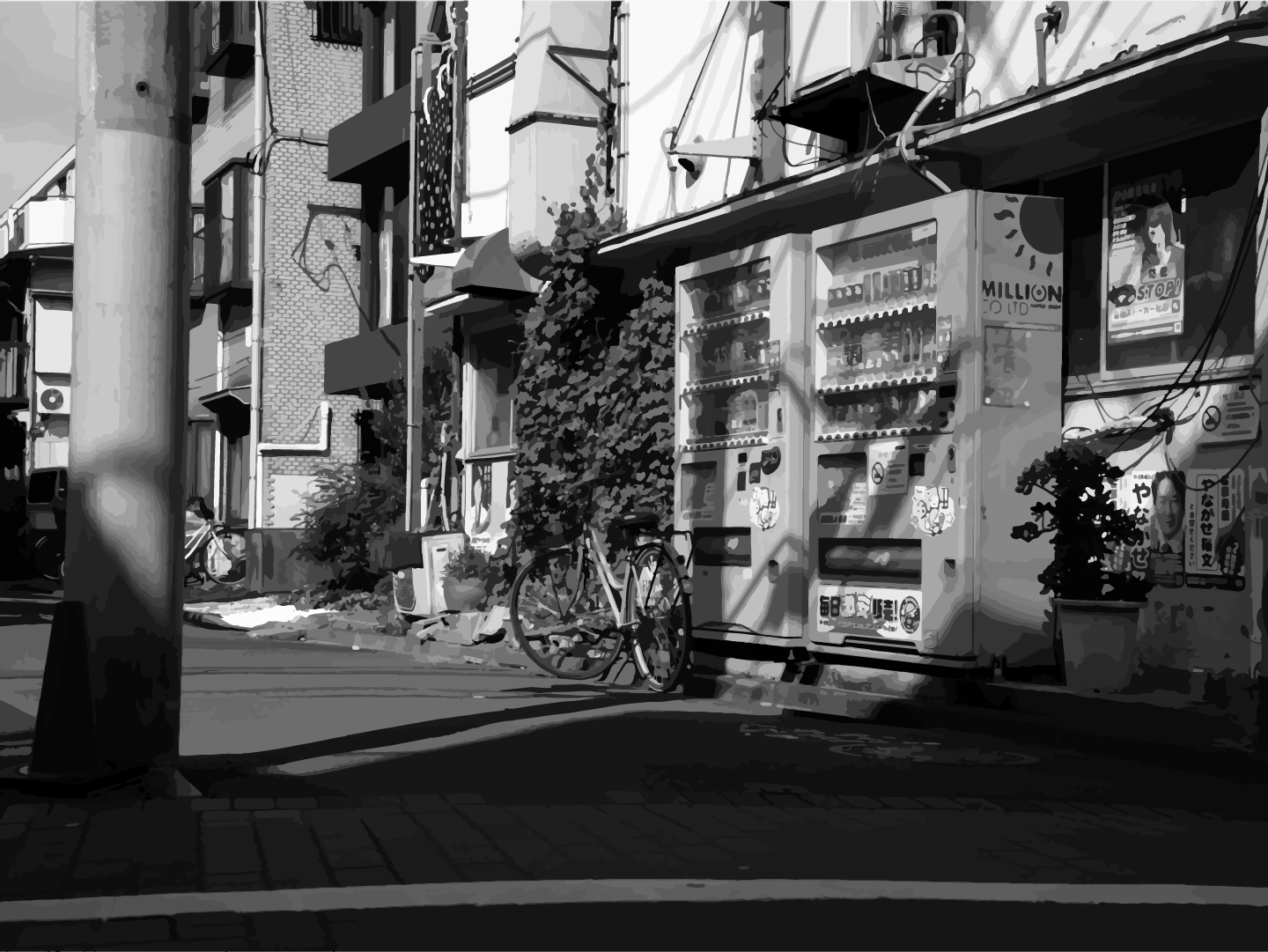
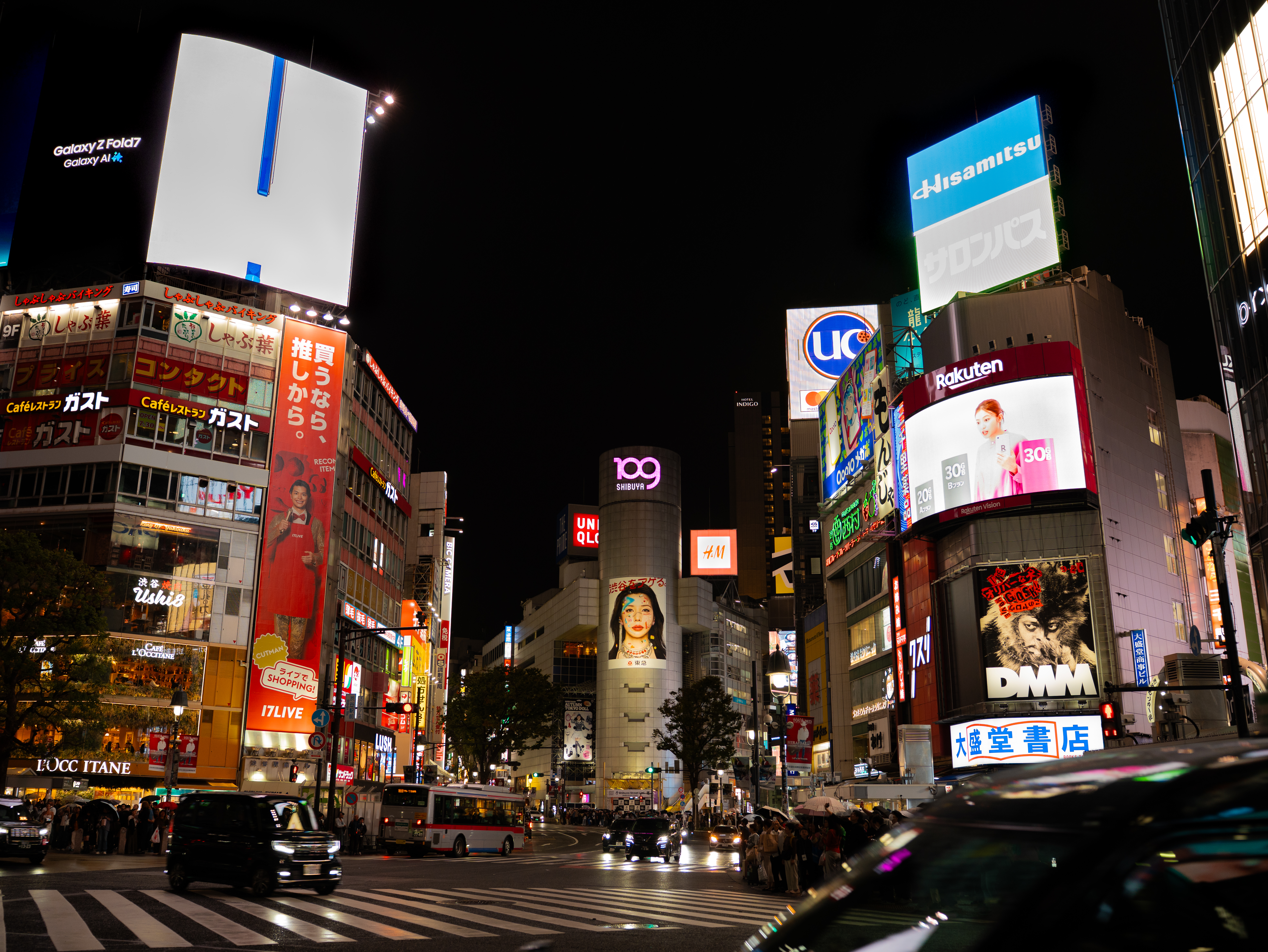
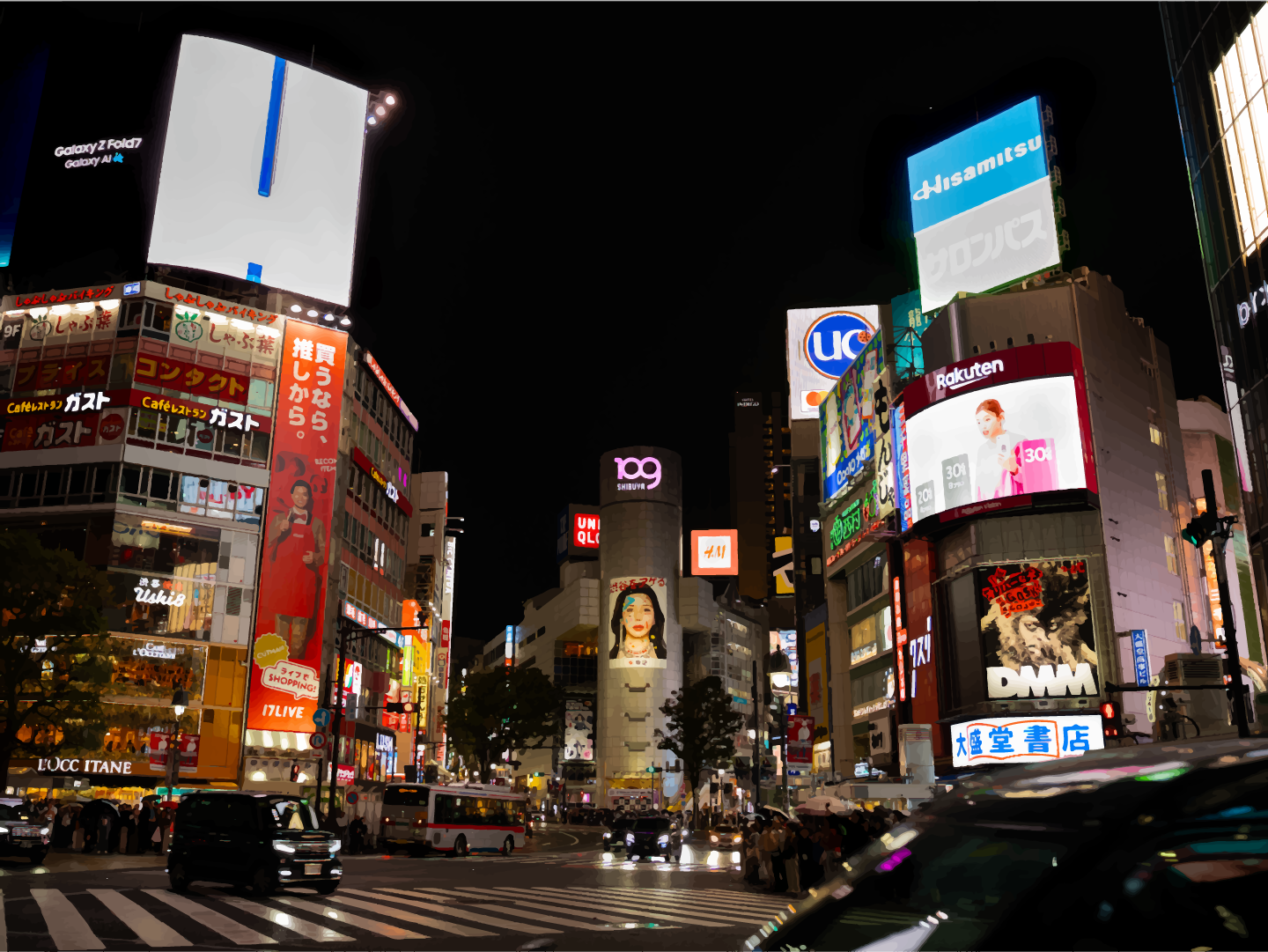
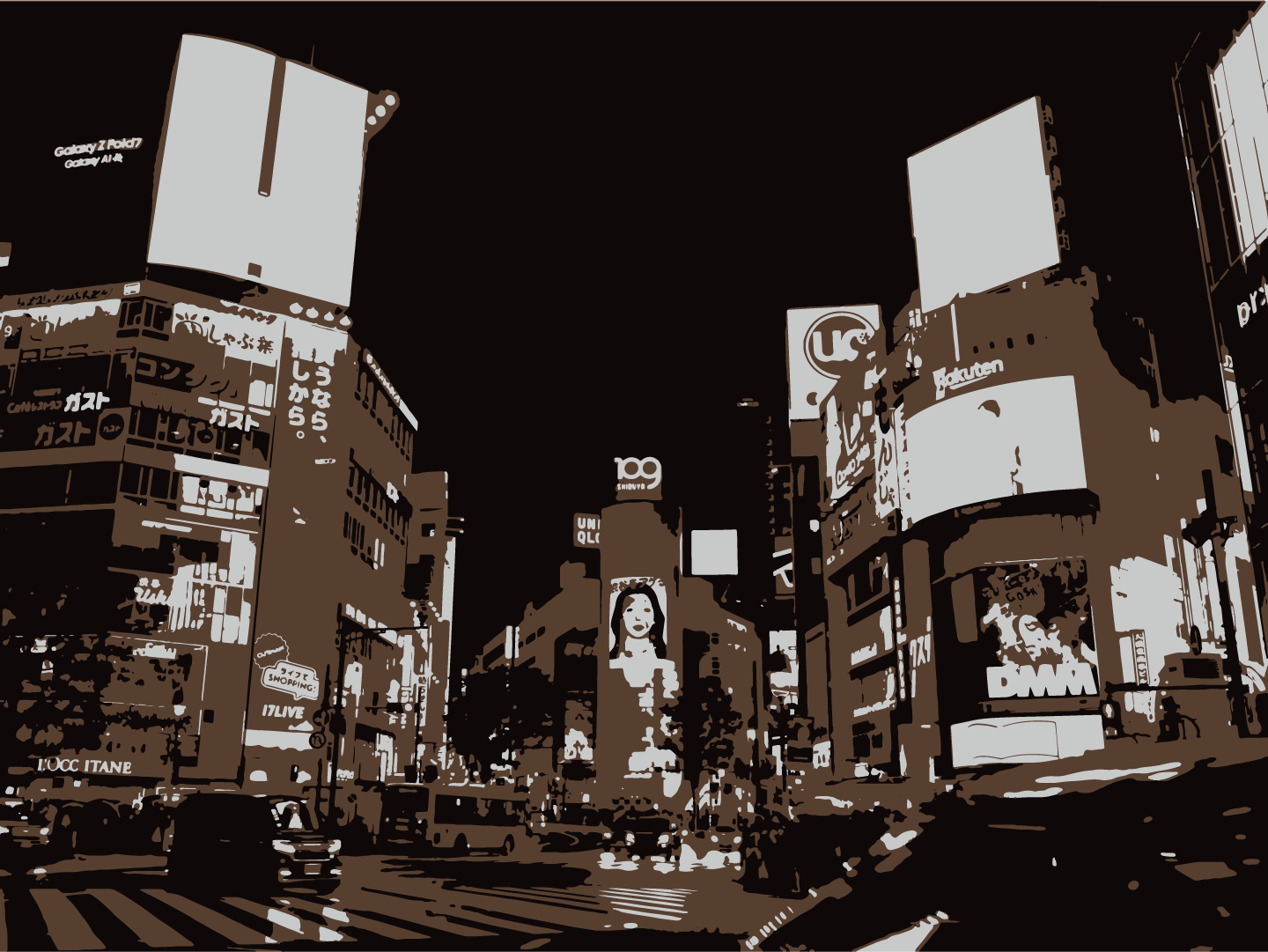
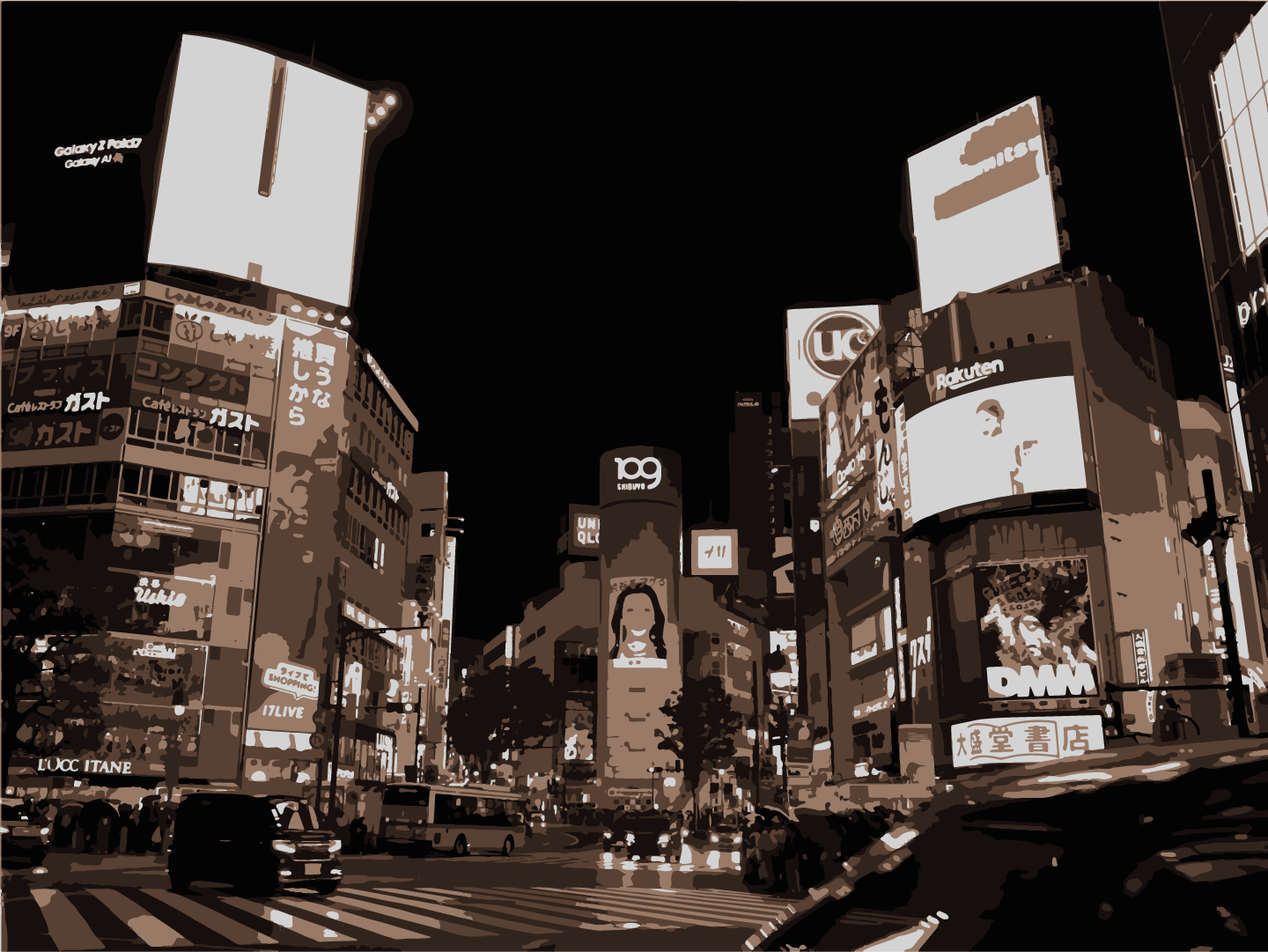
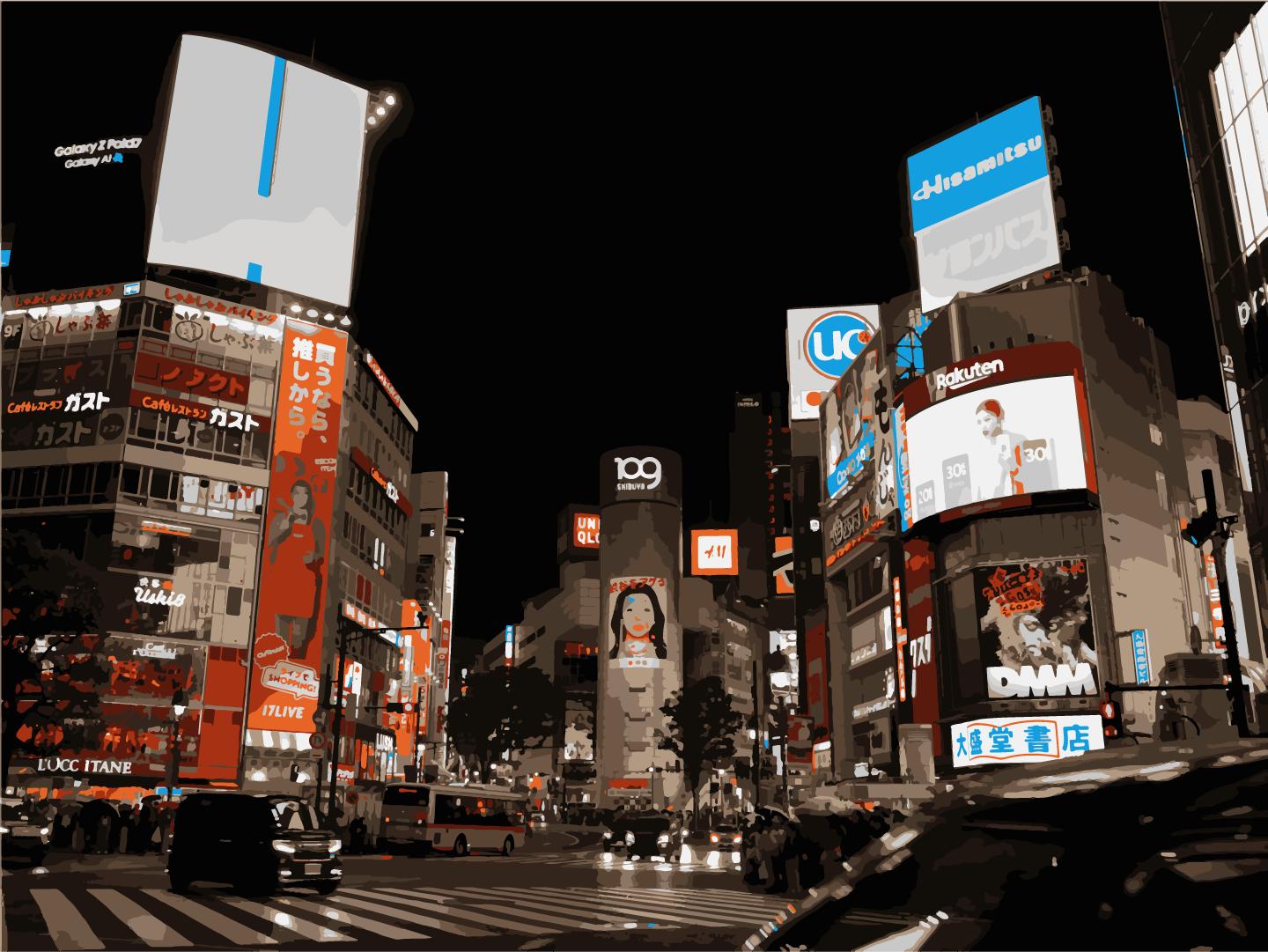
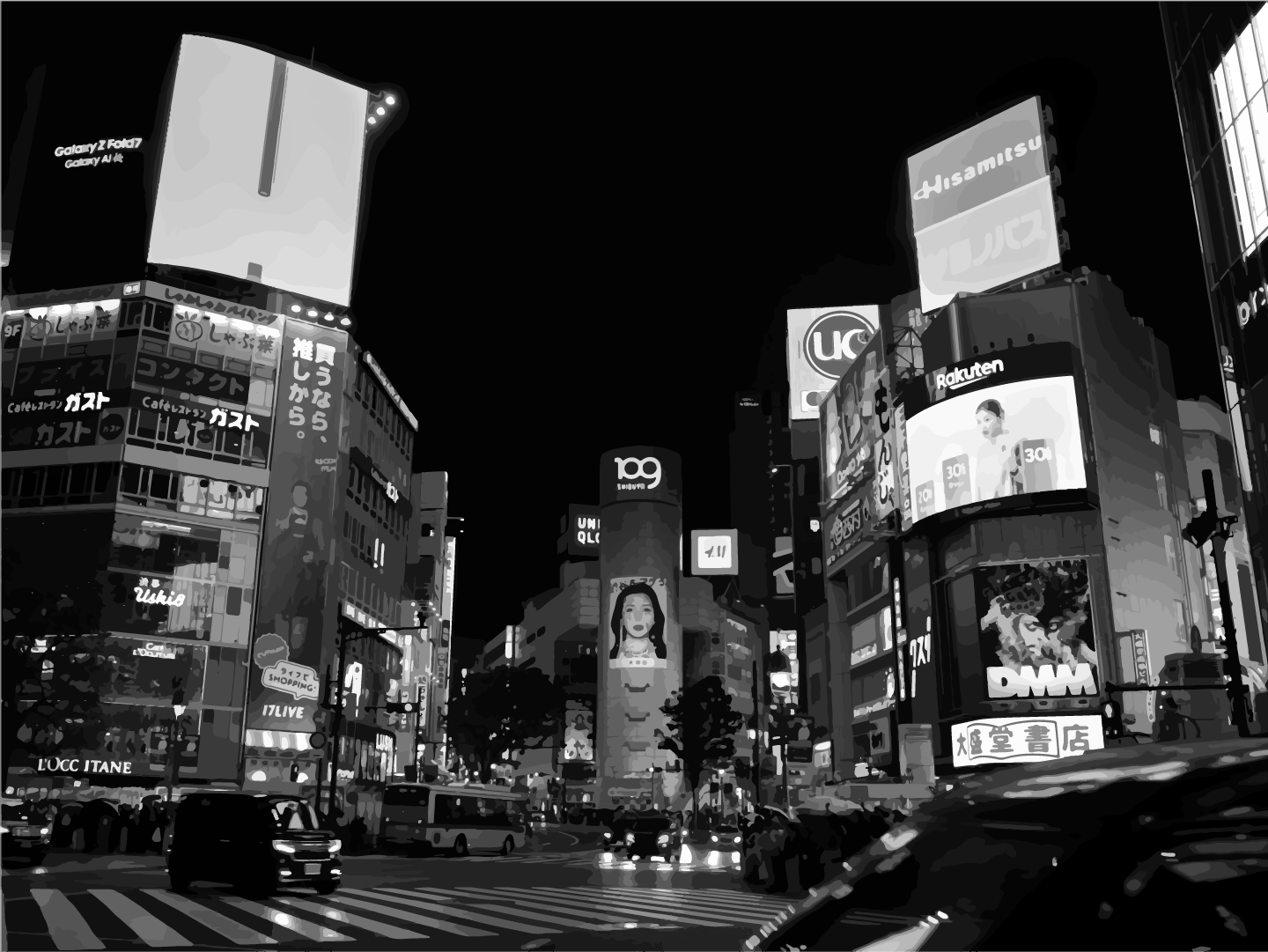
Order of images: Original, highfidelity, 3 colors, 6 colors, 16 colors, and greyscale.
Image 1
Image 2
Image 3
Reflection
Introduction
There are many directions that I would have liked to take when considering this Final Creative Artifact project. When tasked with brainstorming for this creative artifact, I initially wanted to dive into the world of cinema and videography. The reason I wanted to choose from this area, was because of my passion for these subjects, these two forms of art are something I find to be incredibly interesting and artistically appealing. The first step of my plan was supposed to be the creation of different LUTs for videos shot in LOG. A color grading LUT is a Look Up Table that contains all of the data required for a specific look of video. When I say “look,” I mean aesthetic, feel, color, and texture. LOG is Logarithmic, shooting in logarithmic is prioritizing the dynamic range of the image being captured at the expense of saturation. While saturation takes a massive hit in quality, the information that is captured through my camera’s sensor is much greater. This is a great trade off because saturation is easy to fix in post production. I shot a lot of video in the midst of the brainstorming project, but in the process of trying to create more Look Up Tables for these videos, I needed to understand color. This realization that I had arrived at is where the Creative Artifact starts to come to life this is also where my thinking began to evolve. For this particular artifact, I wanted to try understanding colors and how they interact to become an image. In this process, I also discovered the ability to turn images into different styles of mediums using color grouping. Color grouping creates bodies and sections of colors from an image that correspond to the original photo and recreates that photo or image with the group of colors. If I wanted to accomplish this task, I had to switch to using stills and photographs for my artifact. Luckily, I had shot many photos along with shooting video for the occasion. In my context, to put it simply, the process takes the photo and turns it into a graphic of colors through Artificial Intelligence. The purpose of this project is to achieve an effective way to improve aesthetics with the assistance of artificial intelligence.
Body
The hybrid human and machine work process is one that starts out with the human who operates the camera and uploads the image as an input. The second step is when the artificial intelligence, also known as the machine, uses the uploaded image to transform it into something else, serving as the output. The program that I used in the process of turning photos into color groups was Adobe Illustrator. The reason I picked Adobe Illustrator is that I figured that, because I am a DTC major, it would only make sense for me to use the programs that DTC majors specialize in. Inside the Adobe Illustrator program, there are many different functions and tools that assist the user with creation. One of the functions that Illustrator has in its wide array of tricks is something called Image Trace. Image Trace is an AI tool that is able to select an object (in this case, it is a photograph) and divide that object into small subsections that are divided based on the difference in their most dominant color. For example, if I were to picture a shot of a tree divided into three color groups, the tree would likely be divided into two shades of green and brown. The lightest shade of green would be the leaves getting hit by the sun, the darker shade would likely be the leaves in the shade, and the trunk would likely be one solid brown because the light is hitting the leaves instead. This lets me find what the most dominant colors are present in the photograph, which allows me to create a color code, color palettes, LUTs, or a cool graphic. Depending on the Image Trace function I select, I could have a very low variety of colors or a very high variety of colors. For my tests of the Image Trace AI, I took three photographs that have very diverse palettes and placed them into six different Image Trace modes. The modes start with the original .JPG, Highfidelity, Greyscale, 3 colors, 6 colors, and 16 colors. With each of these individual Image Traces, I was able to determine color boundaries of hundreds of different colors, the greyscale equivalent, the three most dominant colors that were present, the 6 most dominant, and the 16 most dominant colors present. All of these findings help assist in the creation of color grading, correction, and palette creation. The outcomes of these findings help me create an improved experience with the art, while simultaneously engaging with the creation of aesthetics with the product.
Conclusion
My work on my Creative Artifact engages the themes discussed in class in a few areas. This artifact specifically addresses and follows the topic of Aesthetics covered in week 11 of class. As said in week 11, aesthetics is something that is “the branch of philosophy that studies beauty, taste, and the experience of art,” which defines much of what I set out to accomplish with this creative artifact. Another topic that my artifact explores is the “Collaborator Mode” that is also discussed in the themes of week 11. Collaborator mode is described as the “AI and the human are co-creating (human curates/guides AI output.)” which also accurately describes my work process alongside the AI in Adobe Illustrator. The artifact also dives into the themes of week 6, exploring many of the AI Creative Strategies, specifically repetition, abstraction, texture, lighting, color palette, and remix. But most of all, it captures the relationship of human and machine working together as a team.
Tools
- Adobe Illustrator
- Adobe Lightroom
- Sony a7iv