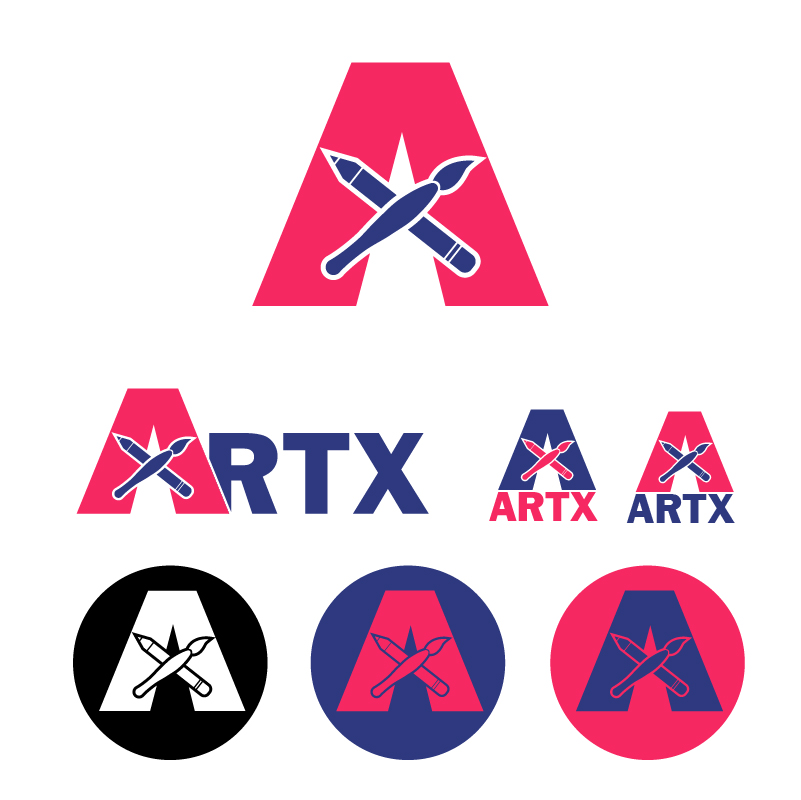
After many sketches, I finally decided on this design because I felt like it captured a little bit of everything that I wanted to encompass in one logo. The elements of design like the brush and pencil are what represents the “creativity” in this club, because they are recognizable icons that have a positive history towards the “artistic” audience. I chose several ways the logo can be displayed to show that it is flexible in many settings and easy to manipulate.
Idea and Inspiration
I decided to create a simple logo for the entire ArtX club, one that could be identified in a profile picture, favicon, posters, promotional and overall club branding. It is a cross between a pictorial and lettermark design, because it covers both imagery and text. It made more sense to make a design that covers the whole club identity instead of one of the many subdivisions in the club like workshops, field trips, guest speakers, etc., it was more important to establish that the club exists at all.
Design Process
I was inspired by simple logos and designs that major brands use, like Nike, Target, and FedEx. I wanted to use negative space to my advantage, however that requires a lot of abstraction. I didn’t want to abstract the design so far that it became unrecognizable, however, I’m sure I could simplify it a little further and maximize the negative space. Many of these popular logos and brands also use minimal color options, so I mimicked that in my design, but I am curious to try a gradient effect. Another aspect I like to keep in mind is this: Is it easy for a the web development side to use? If someone has to make this from scratch will it be difficult? I say this because the biggest part of being a designer is taking all the ideas and goals from an organization and combining it into a cohesive message. Some of the best designs are simple because they are easy to remember. For example the instagram logo, it is extremely easy to remake, but this is because someone carefully thought through hundreds of variations it could take and decided on the design you see today.
I researched what “art club logos” look like online and was horrified with the results because many of them were very cheap clip art options which I feel like is the exact opposite of what you want to promote for an art club. What I learned from people at the student involvement fairs when tabling is that people want to learn more painting techniques and shading practice to enhance their artistic skills. Which is why I took my own route with the design and included the two biggest elements that people asked for, a paintbrush and pencil.
The main two elements in my design were the letter A & X, and the paintbrush and pencil. Color was then applied to make them more effective and distinguishing the tools from the letter forms. Arrangement of the “X” from the brush and pencil looks easy, but it was actually a very specific process since I didn’t want to just slap them on in some generic way. I tried different angles, sizes, spacing and alignment with the center of the “A” form. Eventually I finally found a spot for them that felt comfortable that allowed for the two tools to be recognizable and not take away from the “A” form.
Technical Detail
I created many of the elements with the shape builder / pathfinder tool to overlap shapes and combine or separate certain qualities. I also used the pen tool for editing any basic shapes I used, for example the “A” started out as a triangle and was manipulated with the pen tool for cutting out the triangle shape inside of it. My favorite part of designing is overlapping shapes and slowly removing parts to reveal and new abstract shape below. I did not use any clipping mask properties since that one always seems to get too messy in illustrator. It is easier for me to remake something than deal with clipping masks unless it is absolutely necessary or makes more sense for a particular situation.
There always seems to be weird little nit-picky things that get missed even with the snap-to setting turned out. Generally I just go in and double click on an elements scraps in the isolation mode and delete it from the group and then I don’t think about it ever again. If this is a problem that happens more than once I try to figure out why because this usually means something definitely didn’t snap in place and there must be overhang or a disconnect somewhere. Usually, the issue is so miniscule that it would take an EXTREMELY trained eye to notice that there is a fraction of a fraction shaved off on one side and not the other. I generally don’t like using the pathfinder tool unless it is lots of shapes that I know exactly what I want to with them because sometimes I doesn’t always do what I was hoping. Instead I like the shape builder tool as an alternative because it is more specific to shapes that I want gone.
Sources and Materials
I’ve been using Franklin Gothic as the main font, but the “A”, pencil and paintbrush were hand drawn in illustrator.
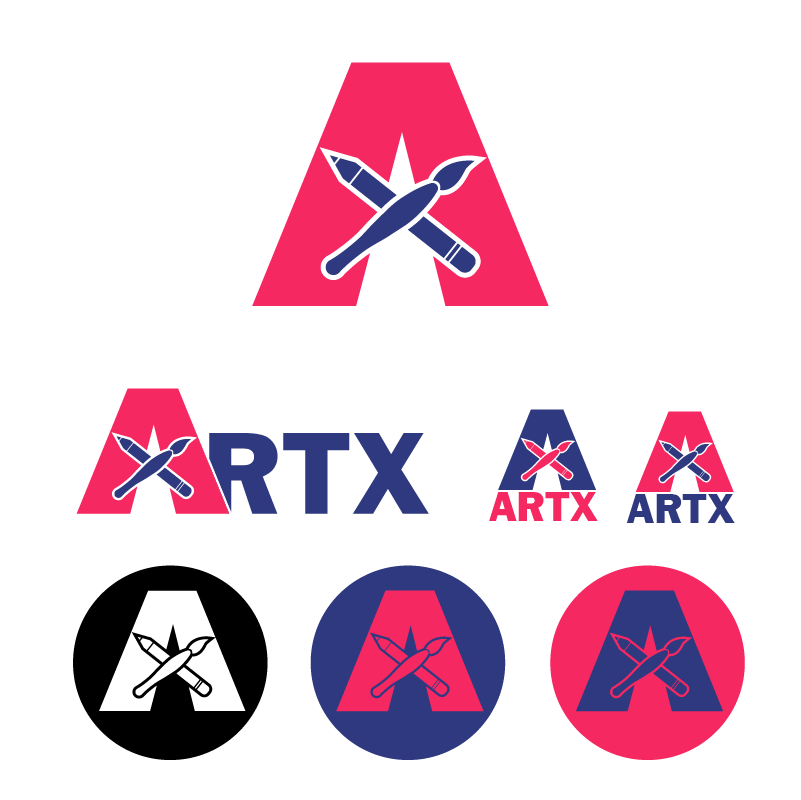
Here it is again as a .jpeg with a white BG.